
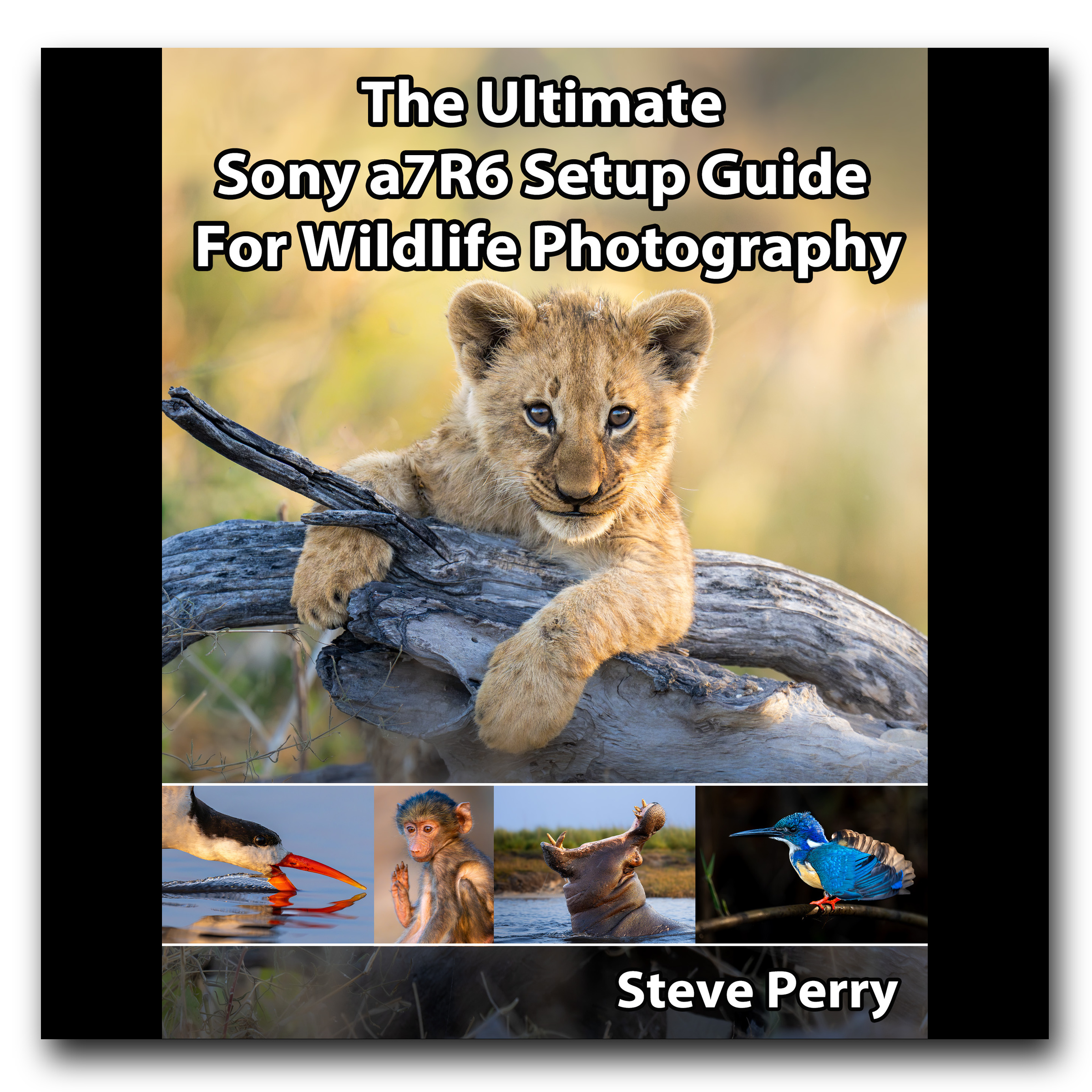
Description
Format: 462-page PDF e-book | Book version: 1.0 | Delivery: Instant download
For the Sony a7R6 (Sony a7R VI) only. This guide covers my wildlife still-photography setup, with explanations of the settings I change, how I use them in the field, and alternatives you may prefer. It does not cover every menu item or video setup.
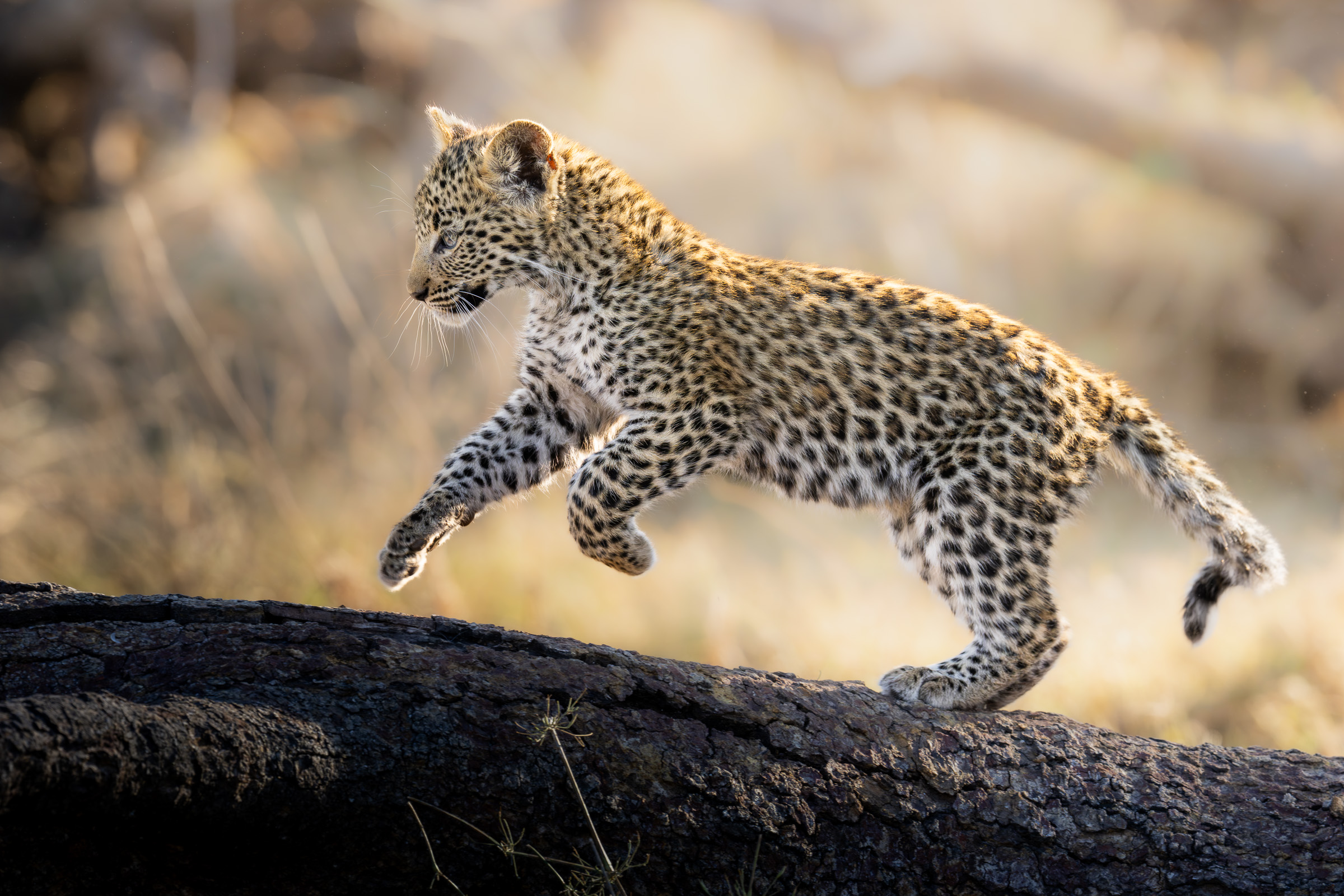
Your Sony a7R6 is ready for wildlife. Let’s get it set up for you.
If you’re a Sony a7R6 shooter who loves wildlife photography, you’ve probably already discovered just how much this camera can do. Of course, figuring out how to set it up can be another story, especially when you’re staring down a menu full of unfamiliar options and wondering which ones actually matter for the way you shoot. The time to sort that out is before a bird takes off or a relaxed encounter turns into action.
I have a bit of a confession to make: I didn’t originally plan to write this book. I’d always thought of the Sony a7R series as high-resolution monsters that were a little sluggish for wildlife action. Well, the Sony a7R6 changed my mind, and I’ve put together this guide to help you get the most from it, too.
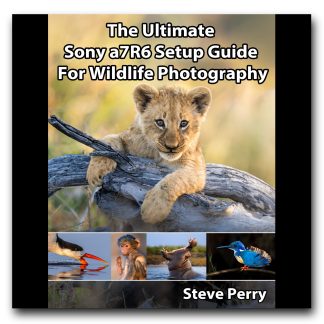
In The Ultimate Sony a7R6 Setup Guide For Wildlife Photography, I walk you through the settings I use and explain the reasons behind each choice. You’ll see how I put them to work in the field, with plenty of photos and screenshots to help you follow along. And since my way of doing things may not be your way, I’ve included useful alternatives throughout the book.
It’s all packed into a 462-page PDF e-book you can keep handy as you work through your own camera setup.
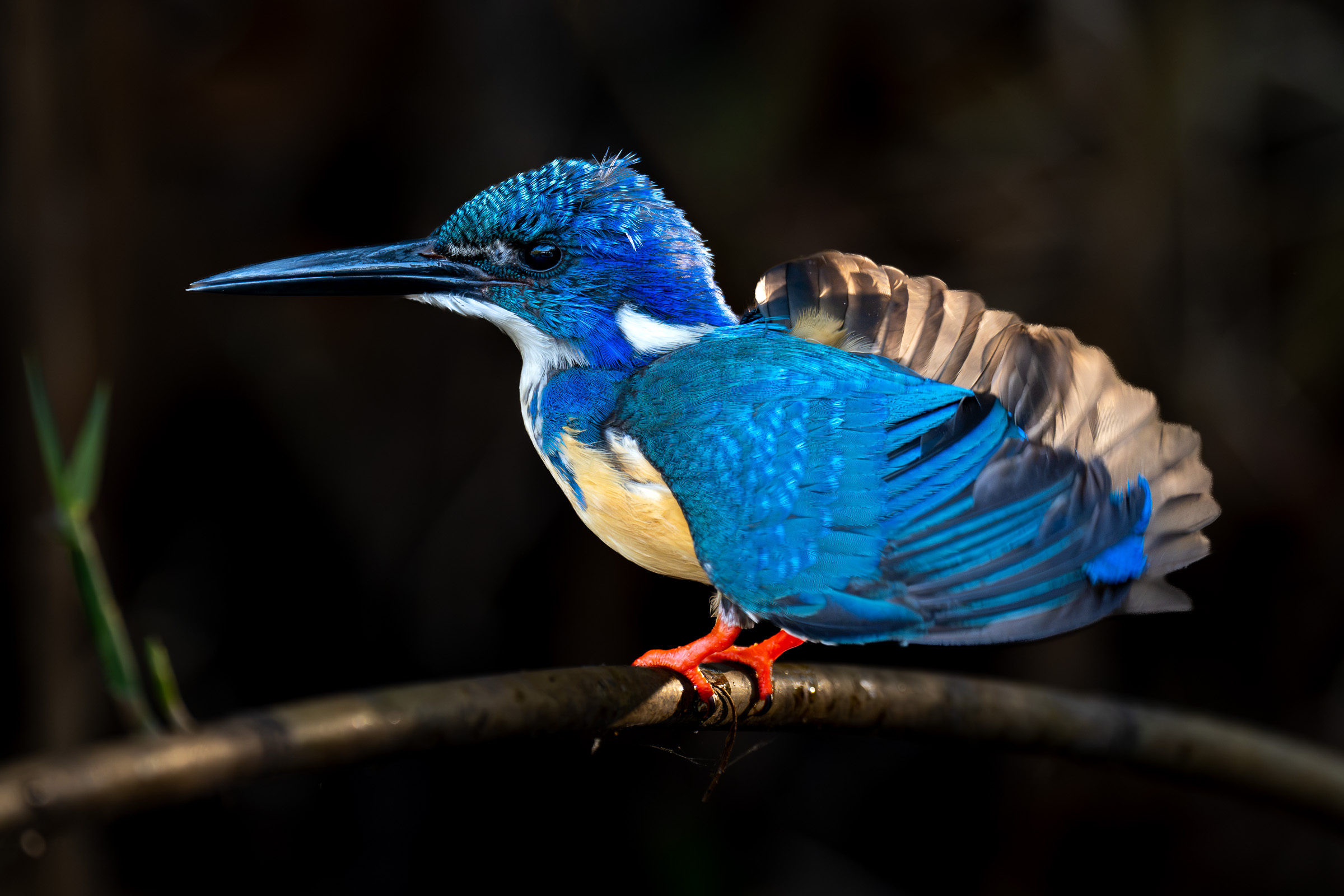
Getting the most from those 67 megapixels
The detail in a good wildlife image is one of the things I love about shooting with a high-resolution camera. However, those 67 megapixels can also make a little motion blur look a lot more obvious, especially when you start taking a close look at individual feathers or fine fur.
I’ll explain how I approach shutter speed and sharpness with the Sony a7R6, along with when cropping helps and when it starts costing you image quality. Yes, it’s tempting to crop the snot out of every image, but there are a few things to keep in mind before you do! We’ll also look at RAW formats, shutter types (mechanical vs. electronic), and my exposure and ISO settings so you can make the best choices in the field,
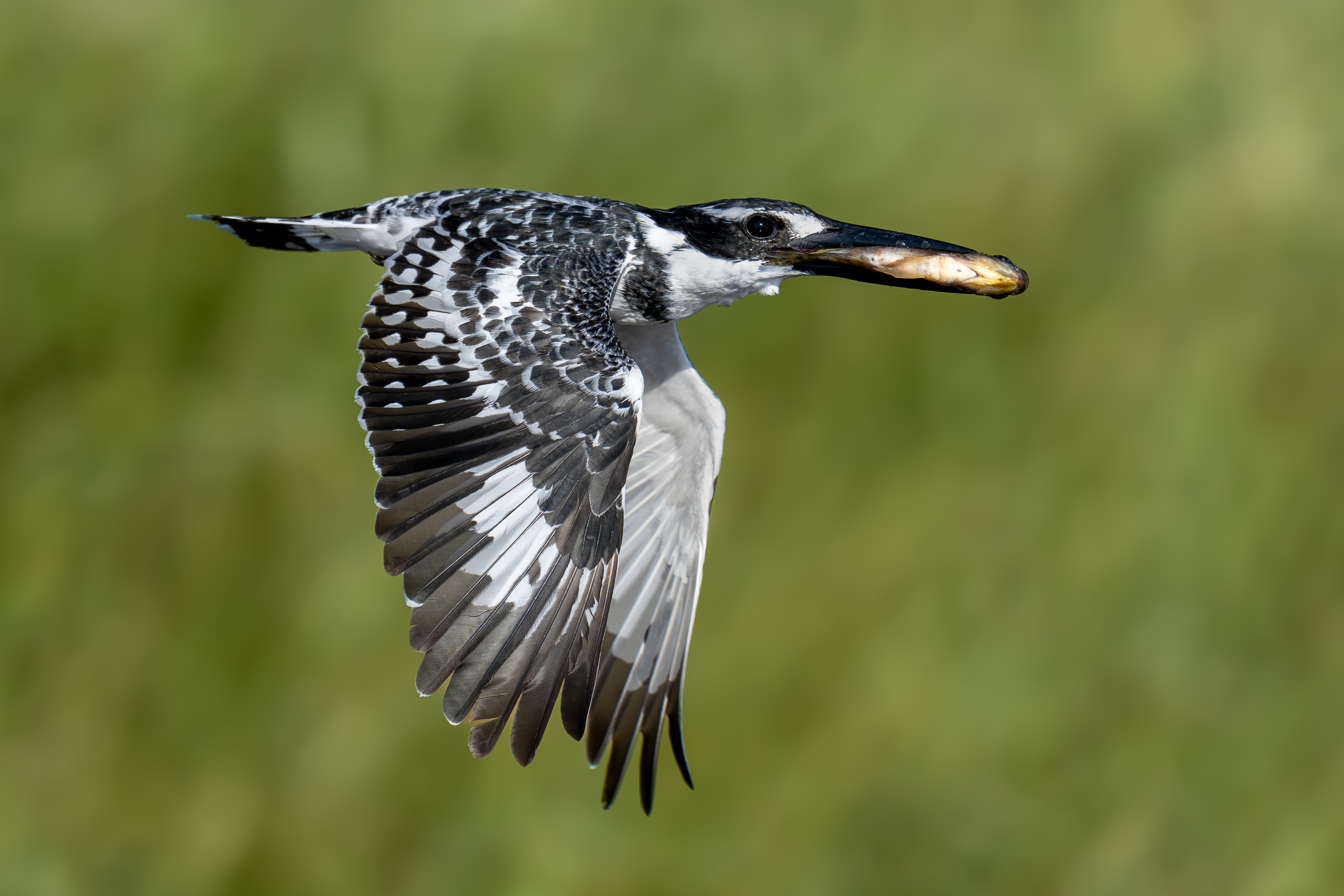
My complete autofocus setup
When you’re following a bird in flight or an impala leaping, you need to know the fastest ways to change AF areas and use tracking without stopping to think about which button to press. Getting that setup right took quite a bit of experimenting on my part, including hundreds of hours in the field and well over 50,000 images as I worked through different configurations. This guide gives you the benefit of that work, so you can spend more of your time shooting instead of experimenting (or fighting) with button combinations.
In the book, I take you through the autofocus settings and button assignments I settled on, explaining how I use them and why I prefer them. You’ll also learn how I handle situations where obstacles get in the way or a subject changes speed, rather than simply copying a list of settings and hoping for the best.
Of course, not everyone’s brain shares the same quirky wiring as mine. I’ve included alternatives for both back-button AF and shutter-release focusing so you can choose a setup that feels intuitive when you’re out shooting.
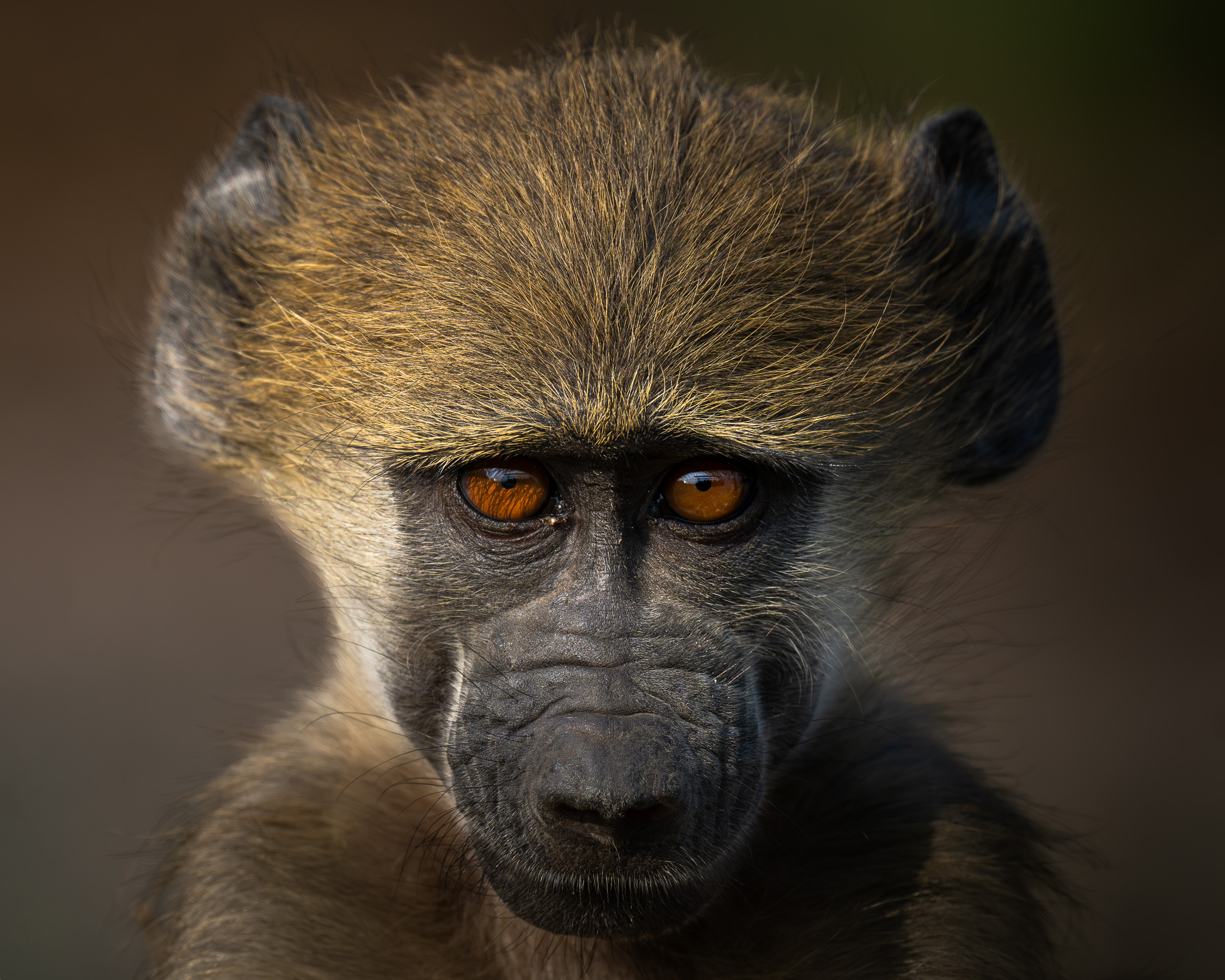
Making sense of Subject Recognition
Subject Recognition is a huge help when it puts focus right on your subject’s eye, but there’s more to using it than picking Animal or Bird and calling it a day. The way it works with your AF area, and the choices you make in its detailed settings, can change how it responds to the animal in front of you.
I’ll walk you through Animal, Bird, and Animal/Bird recognition, including options like Tracking Shift Range, Tracking Persistence Level, and Recognition Sensitivity. The names may sound a little intimidating at first, but I’ll explain what they do in everyday language and show you when you might want to change them. We’ll also look at Recognition Part and subject selection, along with ways to keep the controls you need close at hand.
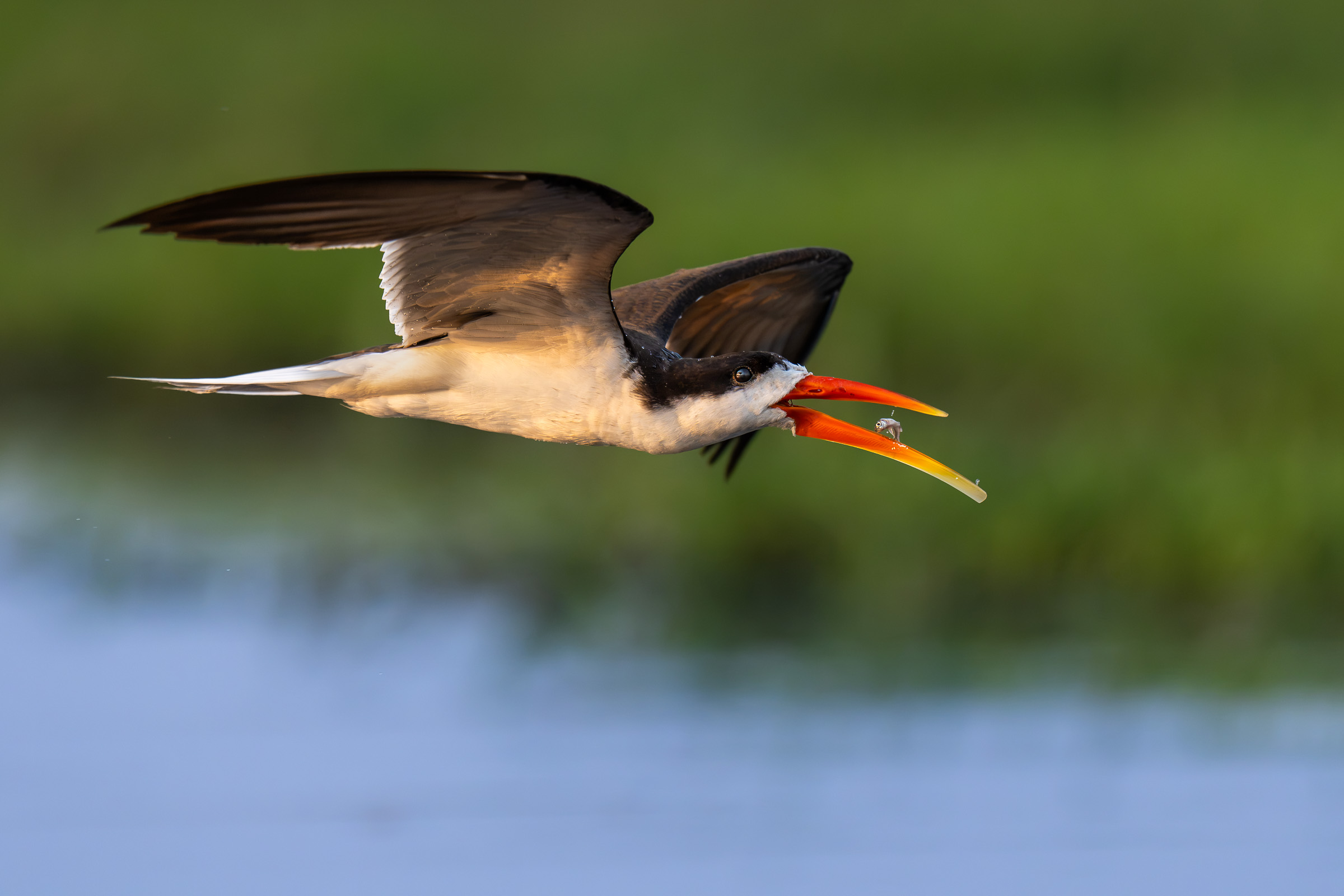
There’s more to Pre-Capture than takeoff shots
If you’ve ever watched a bird toss a fish and realized you pressed the shutter just a fraction of a second too late, you already know why Pre-Capture is so useful. It gives you a way to record the moments just before you fully press the shutter, and there are plenty of opportunities to use it beyond the usual bird-leaving-a-perch example.
I’ll show you how I set up Pre-Capture on the Sony a7R6 and put it to work for wildlife, including situations where I prefer to leave it off. You’ll also learn how I make it easy to access, choose my continuous shooting speeds, and more.
My Emergency Action Button and other useful customizations
You’re photographing a relaxed subject with a slow shutter speed and a small AF area when, without so much as a courtesy warning, the action starts. By the time you’ve changed your settings, the best part may already be over. ARRGH!!
That’s exactly the sort of situation my Emergency Action Button is designed for. I’ll take you through programming it to recall your preferred action settings, then explain how I use it when a quiet encounter suddenly gets interesting.
We’ll also set up memory modes to give you instant access to setups for different shooting situations and sort out what that “asterisk” on the mode dial does. I’ll explain Shoot Mode Switch and Automatic Update, then share my button assignments and Fn menu setup so you can get to the settings you use without digging through menus while your subject wanders off.
Practical advice from the field
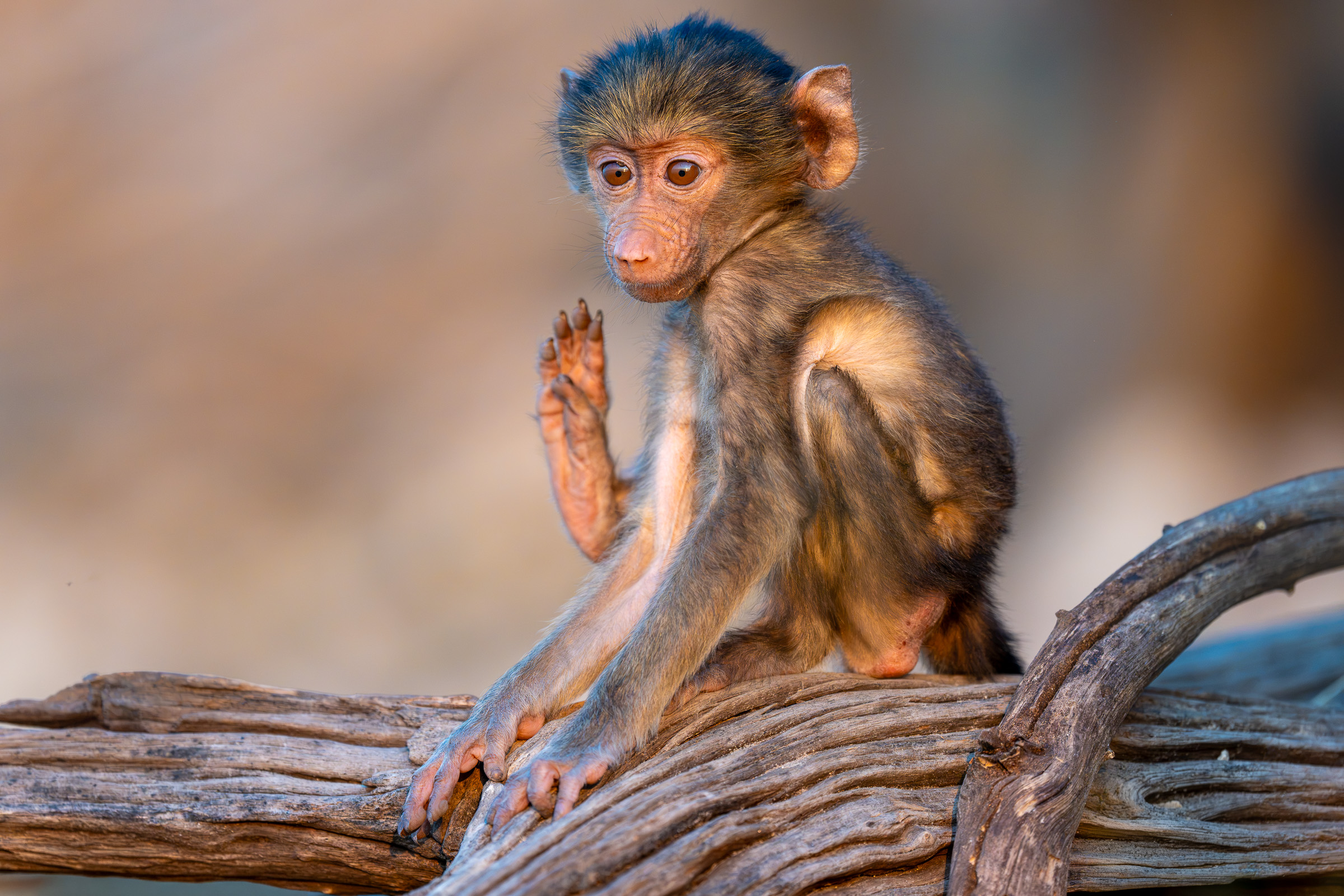
See that little “wave”? This baby baboon was actually scratching an itch, and it happened so quickly I didn’t even notice it while I was shooting. Most people would shoot that at 5 FPS and miss the moment – but I knew to keep it at 20 FPS – and I’ll talk about the hows and whys in the book.
You’ll find plenty more situations like this throughout the pages, with the settings and techniques I use to handle them. A few examples:
- Using Pre-Capture to catch a fish toss or a kingfisher’s feather ruffle
- Keeping focus on a bird as it flies behind brush
- Following a leopard through tall grass with Tracking Persistence Level
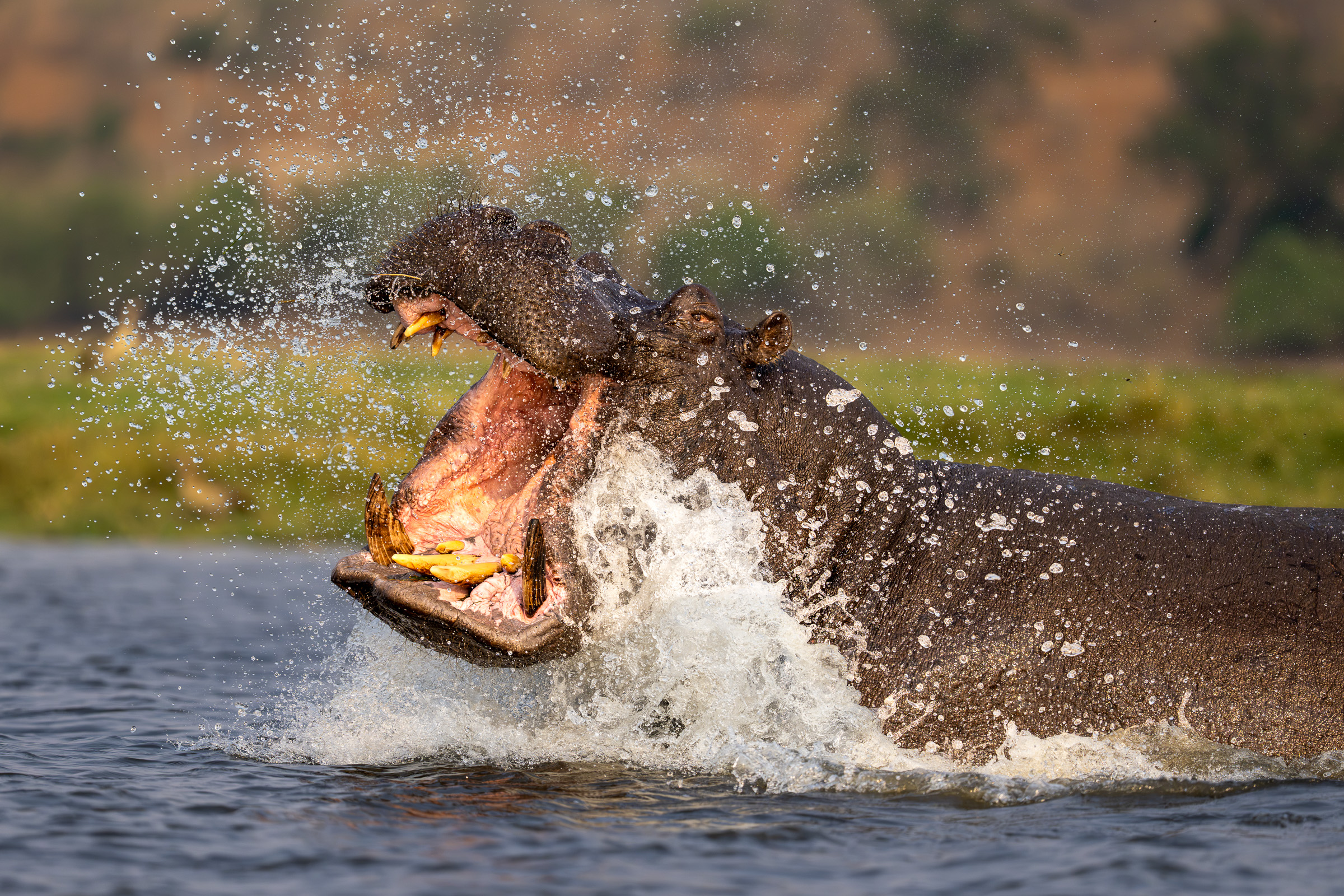
- Focusing on a yawning hippo’s eye when Subject Recognition misses it
- Using a narrow custom AF area for skimmers right at water level
- Exposing a leopard against a bright background with spot metering
- Switching to slow-shutter panning when it’s too dark to freeze the action
My goal with this book isn’t just to give you my setup -it’s to show you have to leverage all the tools in your camera to get the best possible shots in the field.
You don’t need to be a technical expert to follow along, either. I keep the instructions conversational, with screenshots to show you where to go and what to select. The “What I Change” tables make it easy to follow my setup, and the linked settings summary lets you look something up quickly or jump back to the full explanation when you need a refresher.
Take a look inside
Here are four actual pages from the book. Click or tap a page to see the larger version.
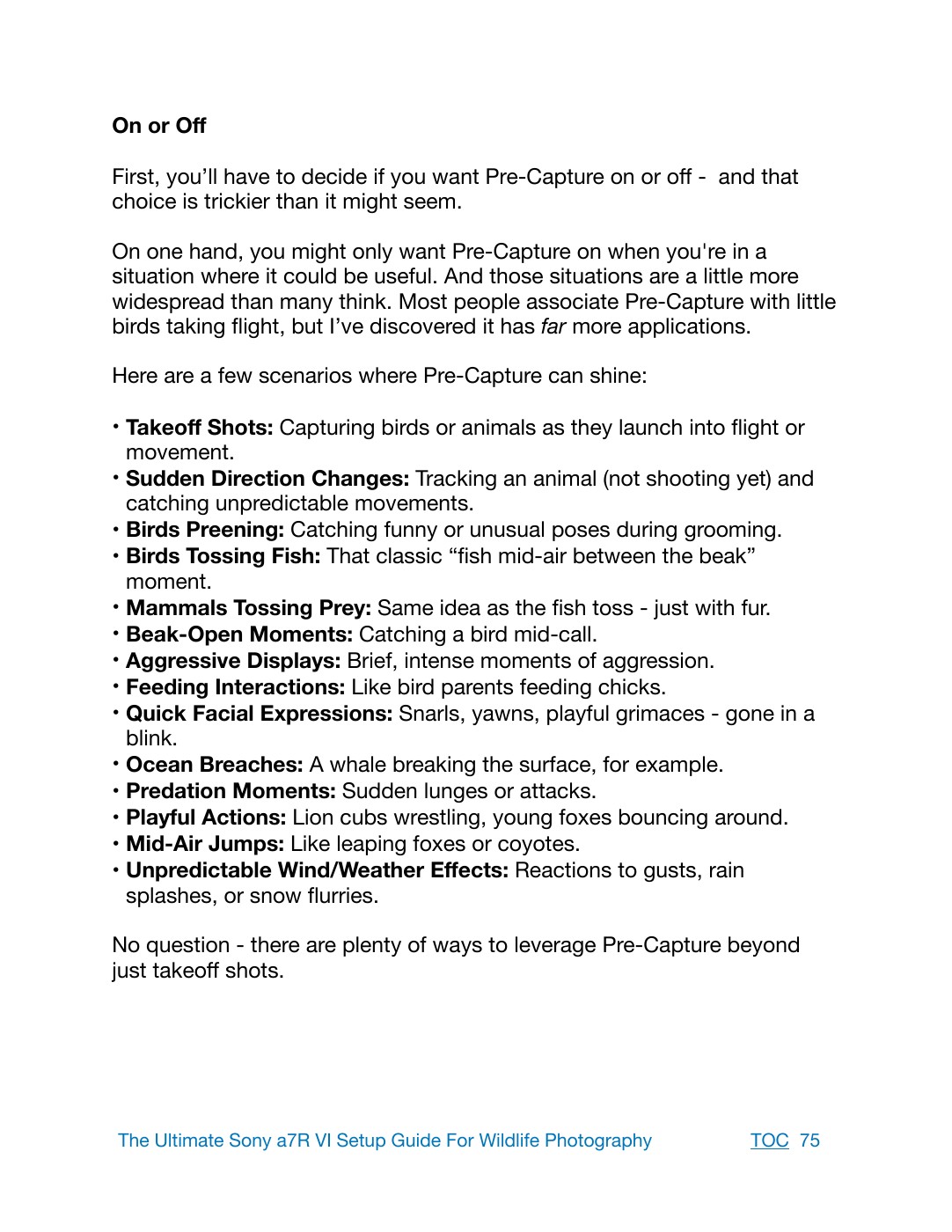 Practical uses for Pre-Capture
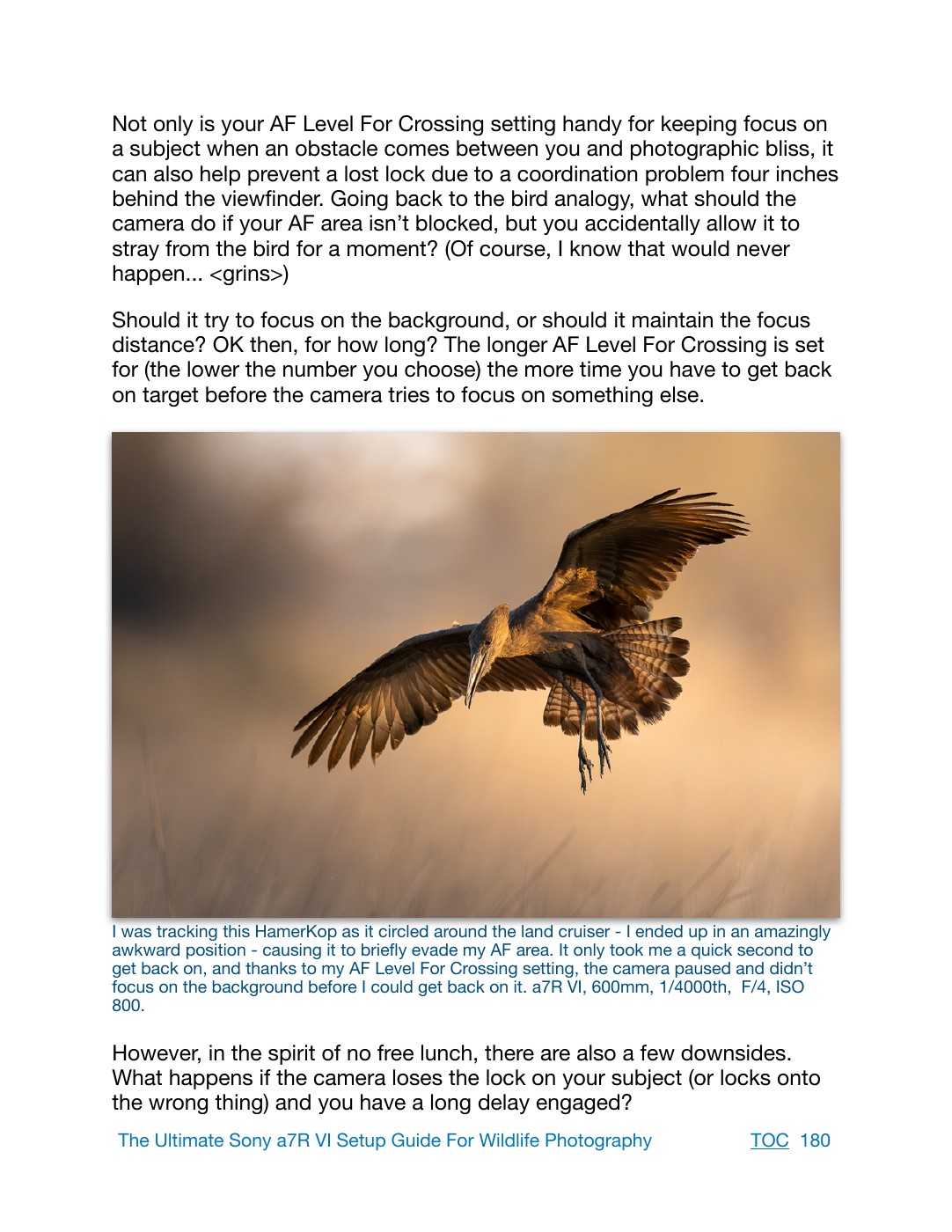 An autofocus example from the field
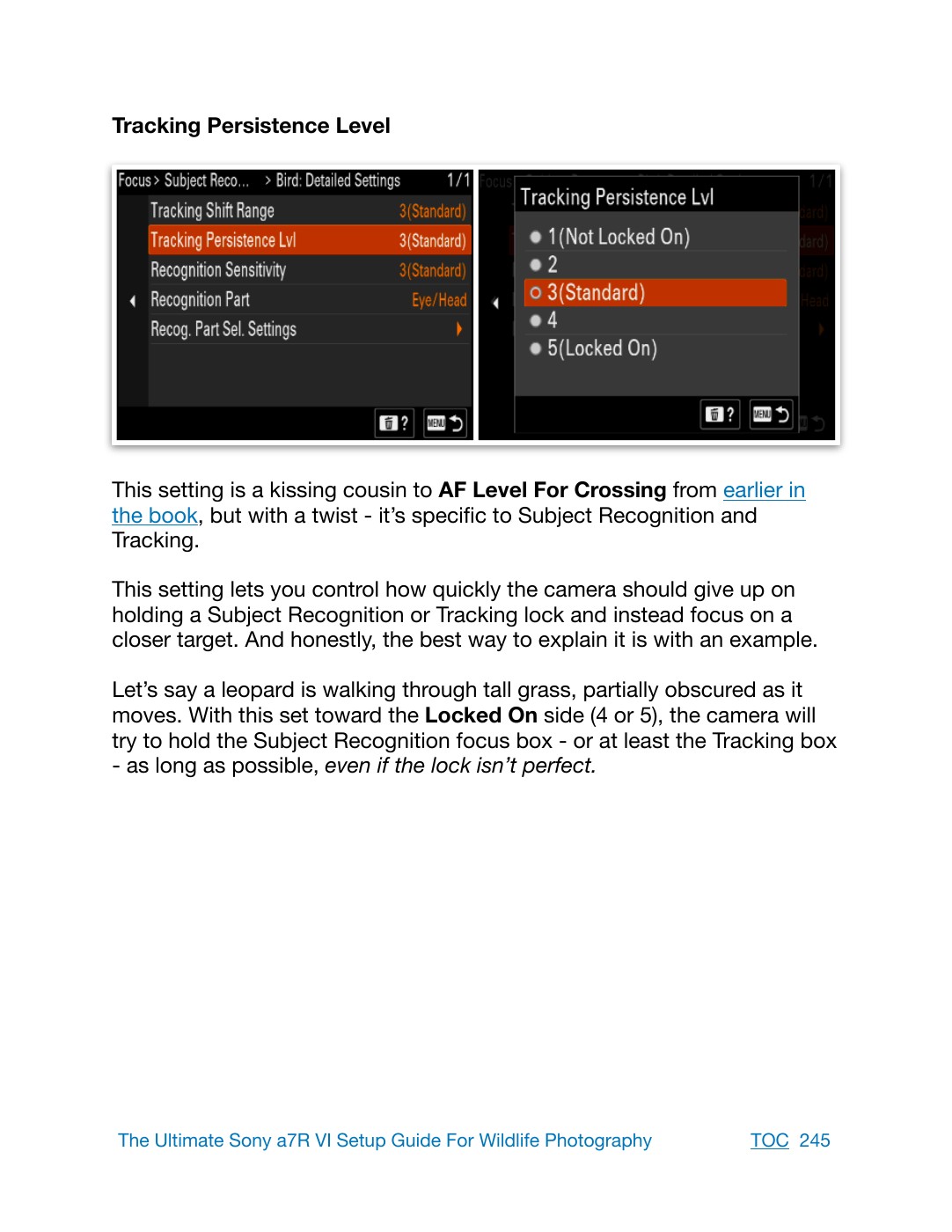 Subject Recognition explained
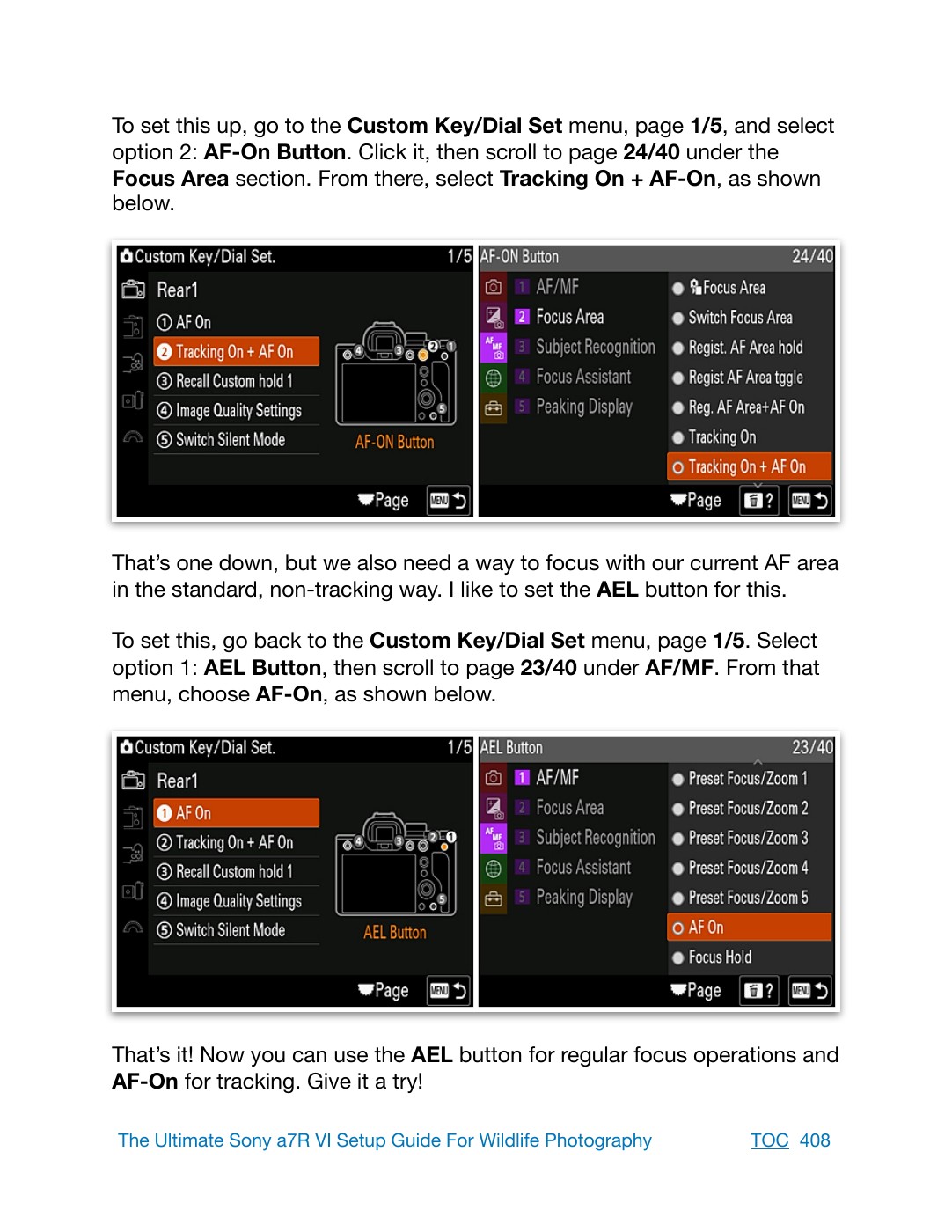 Step-by-step AF button setup
What’s covered?
Every setting I use for wildlife photography, plus useful alternatives you may want to try. Here’s a look at what you’ll discover:
Getting the Most From 67MP
- Why small amounts of motion blur can suddenly seem much more obvious
- Practical ways to improve sharpness
- When cropping helps – and when it starts costing you image quality
My Menu
- Adding, sorting, and removing your favorite menu items
- Adding an item to My Menu on the fly
- Making your Menu button open where you want it
- The items I keep in My Menu
Shooting Menu
- Choosing your image quality and RAW format
- Setting up memory cards, auto switching, file names, and copyright information
- Continuous shooting speeds, Drive Mode Limit, and the requirements for 30 FPS
- Speed Boost and practical Pre-Capture setup
- Focus bracketing for smaller wildlife subjects
- Electronic versus mechanical shutter, silent shooting, and release lag
- SteadyShot, grid lines, live view, and marker displays
Exposure & Metering
- My approach to Manual exposure with Auto ISO
- Choosing useful ISO limits
- An alternative setup using ISO Auto Min SS
- Understanding the metering modes and when I use them
- Linking spot metering to your focus point
- Setting up zebra stripes and using them in the field
Autofocus & Subject Recognition
- AF-C priority, AF Level For Crossing, and AF Tracking For Speed Change
- Preset Focus/Zoom, back-button AF, and Full Time DMF
- Wide, Zone, Spot, and Custom AF areas – plus practical tracking techniques
- Limiting AF area choices and registering a focus area
- Animal, Bird, and Animal/Bird recognition settings
- Tracking Shift Range, Tracking Persistence Level, and Recognition Sensitivity
- Choosing the recognition part and managing subject selection
- Manual-focus magnification and focus peaking
Playback & Network
- Finding and viewing images across both memory cards
- Playback filtering, image order, and image jumping
- Useful ways to delete and organize images
- Display As Group and Focus Frame Display
- How I use Airplane Mode
Setup Menu
- Saving and loading your camera settings
- Customizing your displays, dials, and lens function ring
- Touch Focus, Touch Tracking, Touch Shutter, and Touch AE
- Double Tap During AF and touch-pad setup
- Monitor and viewfinder brightness, display quality, and finder frame rate
- Shooting indicators, buffer display, and Auto Review
- Battery information, power-saving options, sound, and illumination
- Anti-dust settings and checking your firmware version
Memory Modes
- My setups for action, relaxed subjects, and slow-shutter panning
- Registering and naming your memory sets
- Using the mode dial’s 1, 2, and asterisk positions
- Choosing what happens to changes with Automatic Update
- Using Shoot Mode Switch to move between your setups
Button, Dial & Fn Menu Customization
- My complete AF button setup, with alternatives for different focusing styles
- Quick access to AF areas, Subject Recognition, and a preset focus distance
- Setting up and using the Emergency Action Button
- My assignments for image quality, silent mode, metering, zebras, and more
- Alternative button ideas, including Speed Boost, eye selection, and APS-C crop
- My complete Fn menu setup and how I use it
Bonus: Settings Summary
- A quick reference to the settings I change
- Links back to the relevant explanations so you can revisit the hows and whys
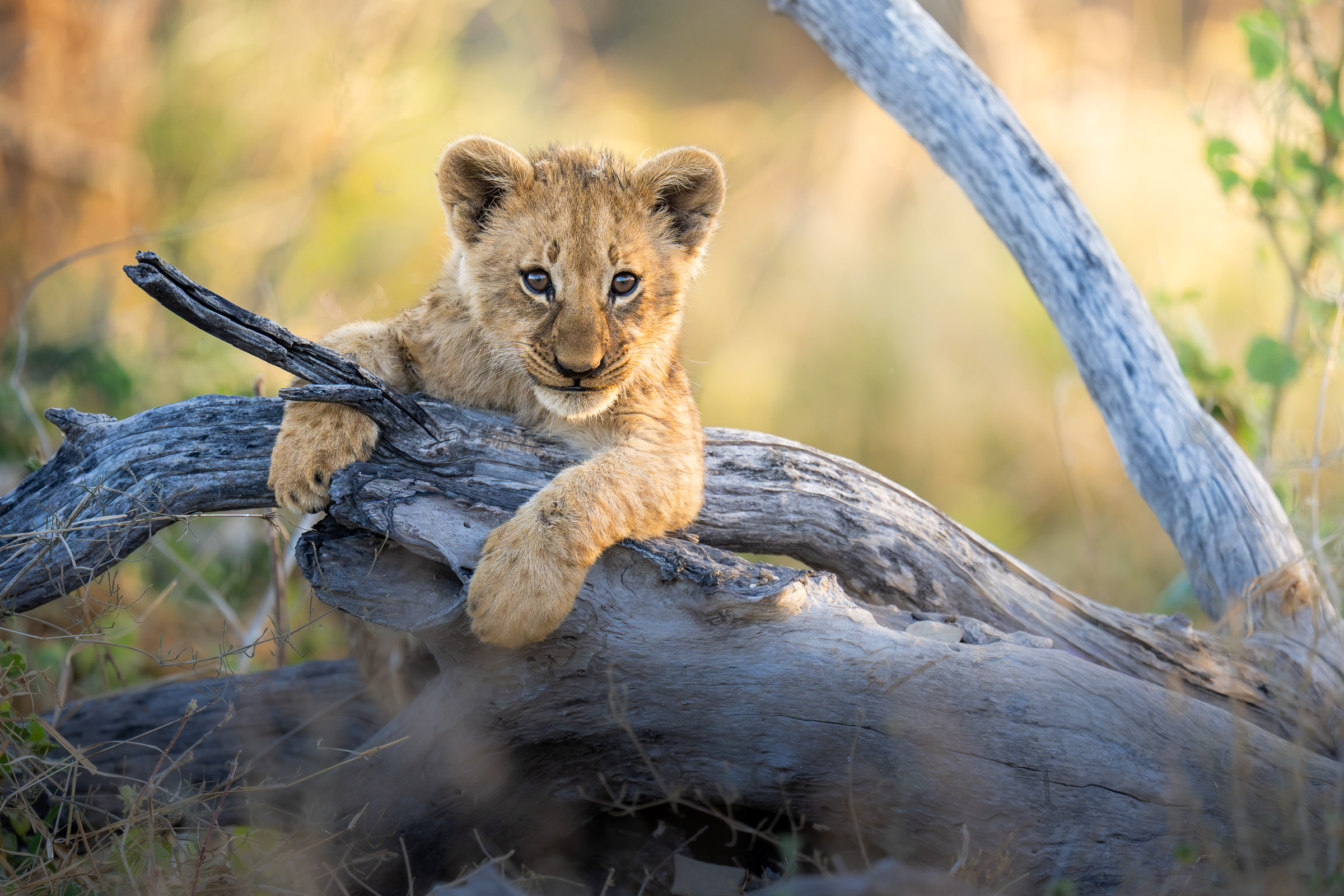
Get more from your Sony a7R6
You’ve already invested in a camera that can capture incredible wildlife images. Give yourself the chance to get more from it by working through your setup before your next outing, while you have time to try the options and get comfortable with the controls. When the opportunity comes, you’ll be glad you did.
Heck, even if you discover just one new setting or technique that helps you capture a photo you would otherwise have missed, wouldn’t that be worth it?
The Ultimate Sony a7R6 Setup Guide For Wildlife Photography
By Steve Perry • 462-page PDF e-book • Version 1.0
P.S. – I’m 100% confident you’ll love this e-book. If you’re not satisfied, let me know and I’ll give you your money back. Nothing to lose by giving it a try!
Reviews
There are no reviews yet.